XGen Connected Response · Powered by G2

Silent panic alerting and campus communications, on one G2 platform.

XGen Mobile supplies the full Galaxy Next Generation (G2) lineup: wearable and wall-mounted panic buttons connected to 911 through RapidSOS, plus bells, paging, intercom, digital signage, visitor management, and business phones, all managed from G2 Communicator. Run it standalone or alongside the systems you already have.
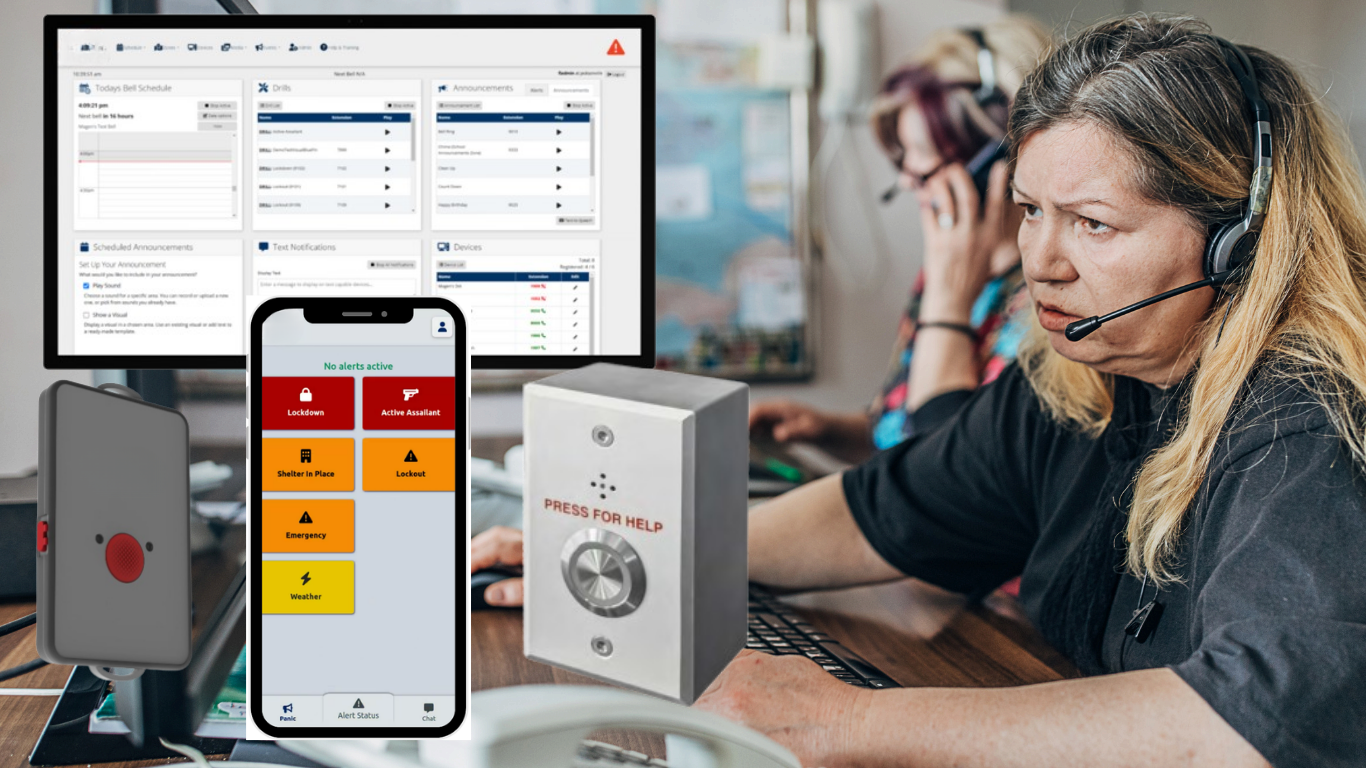
Silent and discreet RapidSOS Ready Bells, paging, intercom Cloud, VM, or on-premises Standalone or integrated
Wearable and wall-mounted panic buttons for campus and facility response

Silent and discreet

Staff request help without escalating the situation or drawing attention.

Multi-press SOS

The emergency button takes several deliberate presses, which helps prevent accidental 911 calls.

Everyday communications

The same system runs your bell schedules, paging, intercom, and signage every day, not just in an emergency.

Connected to 911

Through RapidSOS, an alert reaches local dispatch with location details and emergency context.

Why it matters

When seconds count, getting help to the right place is everything.

Emergencies happen anywhere, from a medical event or a dispute to the most serious threat to a whole campus. XGen Connected Response puts a silent call for help in every hand and on every wall, and because it runs on the same platform as your bells, paging, and displays, one activation moves the whole building.

Multi-press

A deliberate SOS trigger that helps prevent false alarms

Alyssa's Law

Aligned with the silent panic alarm standard for K-12 schools

911

Connected to local dispatch through RapidSOS

USA

G2 panic buttons are designed, manufactured, and supported in the United States

Emergency alerting

Silent activation. A whole building responds.

From a single wearable or wall button to a coordinated, location-aware response across your entire site, with the option to run standalone or alongside most third-party paging and intercom systems.
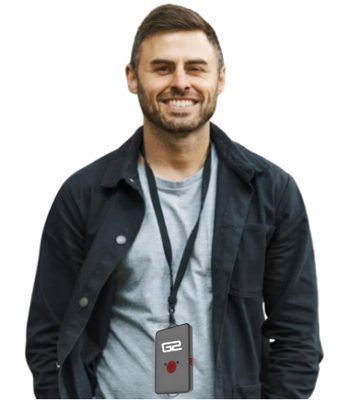
Staff member wearing a G2 Mobile Panic Button on a lanyard

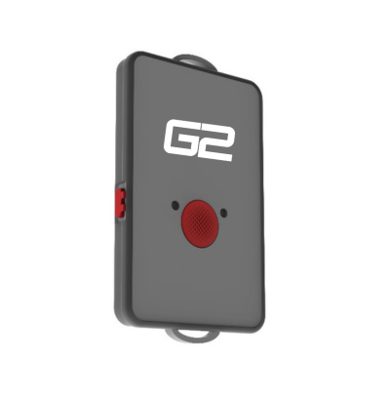
G2 Mobile Panic Button

  • Wearable device with an ID holder on the back
  • Side button for everyday, non-emergency alerts
  • Multi-press center button for lockdown and 911
  • 911 connection can be turned off if you prefer
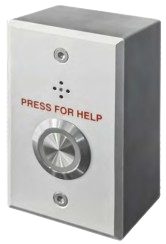
SCNB-S wall-mounted panic button

Wall-mounted panic button

  • Fixed, discreet activation point (SCNB-S)
  • Silent emergency call through a built-in microphone
  • Press and long-press triggers
  • PoE powered, fits a standard 1-gang box
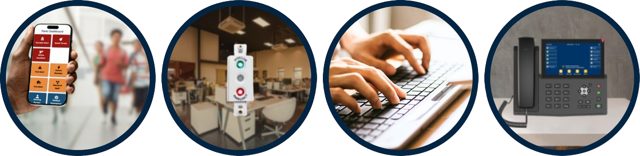
Alert triggers: Activator app, physical button, keyboard shortcut, and desk phone

Trigger from anywhere

  • Panic menu in the G2 Activator app
  • Keyboard shortcuts and phone system hot keys
  • Banker or mushroom buttons
  • Common Area Hub into an existing paging system
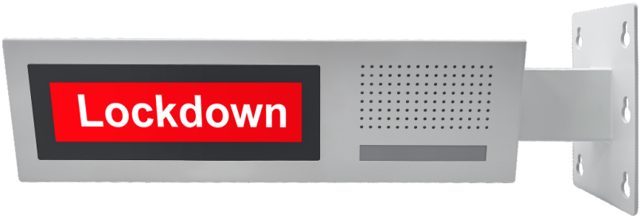
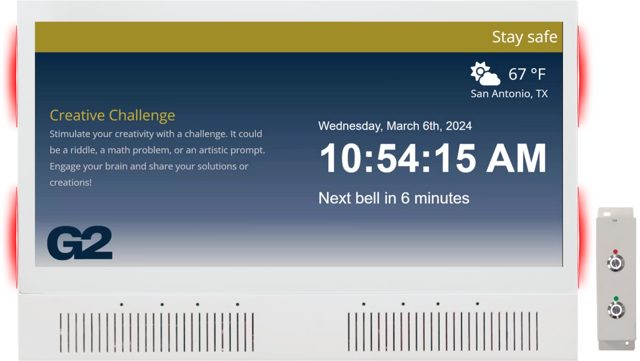
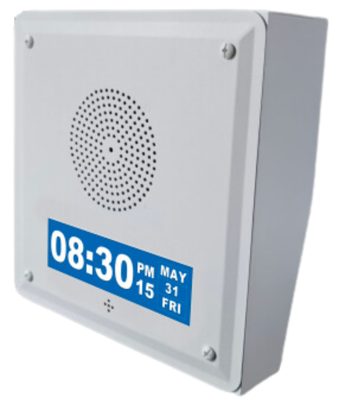
Double-sided LCD clock speaker showing a lockdown alert

Facility-wide alerting

  • Audio and visual alerts across speakers, strobes, and signage
  • Automated emergency page
  • Lockout, lockdown, weather, and custom alerts
  • Multi-step sequences you set up in advance
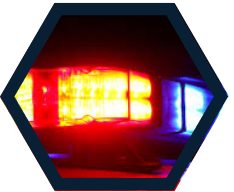
Emergency lights representing a 911 dispatch connection

RapidSOS 911 connection

  • G2 is RapidSOS Ready
  • Direct connection to local dispatchers
  • Location details sent in seconds
  • Emergency context shared with responders
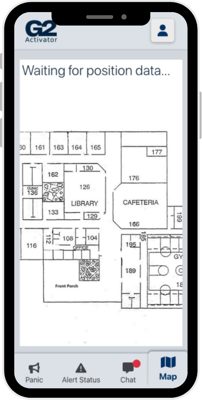
G2 Activator app map showing a panic button location

In-building location

  • Beacons show where the alert came from
  • Displayed on your site map in the Activator app
  • Shows who pressed the button
  • Guides help to the right place
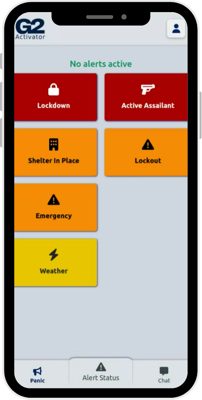
G2 Activator app alert menu

G2 Activator app

  • Runs in any web browser, no special hardware
  • Push notifications, text, and email
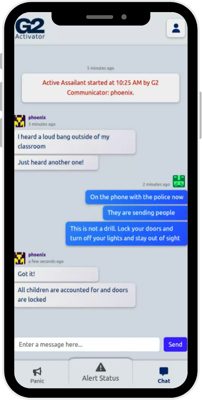
  • Live group chat to coordinate
  • Works as a standalone panic alert solution
G2 Activator app live group chat

Accountability built in

  • Staff prompted to confirm they are safe
  • Roll call and reunification
  • Visitor management
  • See G2Verify below
How it works

Press. Notify. Respond.

A simple, reliable chain that turns a silent alert into a fast, coordinated, building-wide response.

1

Press

Staff press a wearable or wall button, or use the app, keyboard, or phone. The emergency trigger takes several deliberate presses, which helps prevent accidental activation.

2

Notify

Audio and visual alerts play in key areas, staff get text notifications showing who pressed and where, and RapidSOS connects the alert to local dispatch.

3

Respond

Beacons place the alert on your site map, a live group chat keeps the team coordinated, and roll call and reunification support the aftermath.

G2 Communicator

Bells, paging, and intercom from one web interface.

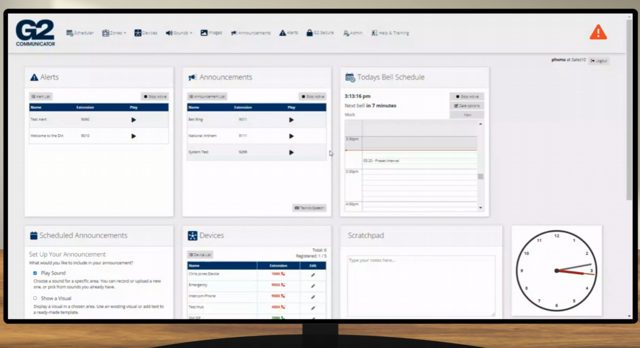
G2 Communicator is the platform behind every alert, and it runs your day-to-day communications too. Schedule bells, page any zone, talk room to room, and push messages to screens, all from a browser.
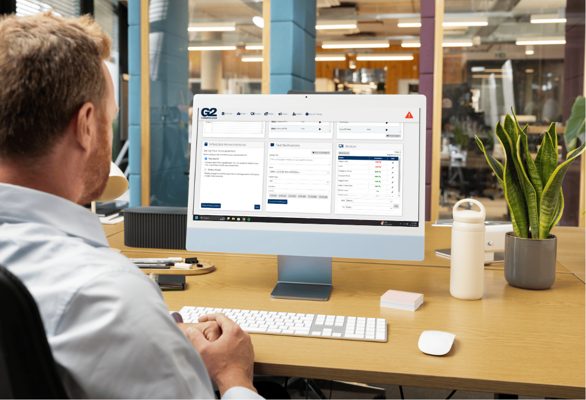
G2 Communicator web interface on a desktop

Bell scheduling

  • Virtually unlimited bell schedules
  • Set schedules up to 12 months in advance
  • Adjust in real time for snow days and closures
  • Over 70 pre-loaded tones, or your own WAV or MP3
CIPSPKMDC IP speaker with microphone and LCD clock

Paging and intercom

  • One-way paging to any zone or all call
  • Two-way intercom to classrooms and offices
  • Page from your phone system via SIP or ATA
  • Custom announcements by phone or contact closure
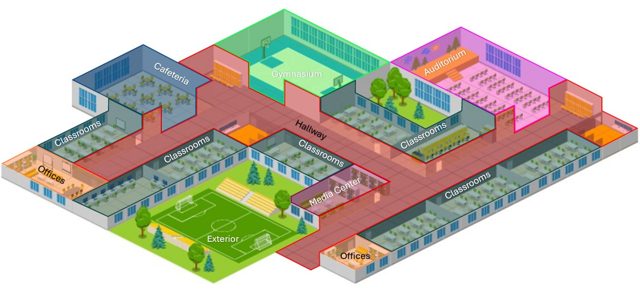
Campus map divided into paging zones

Zones

  • Group devices into zones for easy control
  • Map-based zones
  • Over 1,000 bell and paging zones
  • Turn existing analog speakers into managed zones
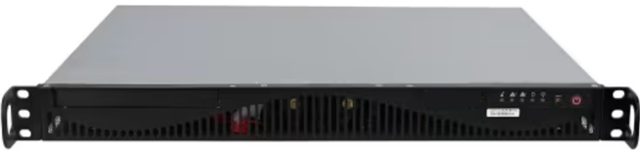
CCSR G2 Communicator on-premises server

Deploy your way

  • Cloud, virtual machine, or on-premises server
  • Multiple backup options
  • Email and SMS notifications
  • Dashboard widgets for your most-used features
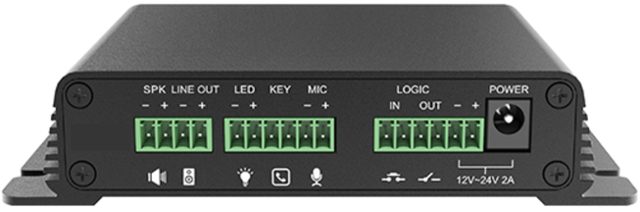
CCHL2 HUB2 paging zone gateway

Open architecture

  • Built on industry standards: SIP, multicast, RTP
  • Supports a wide range of SIP-enabled IP devices
  • Easy integration with most phone systems
  • Third-party trigger and alert activations
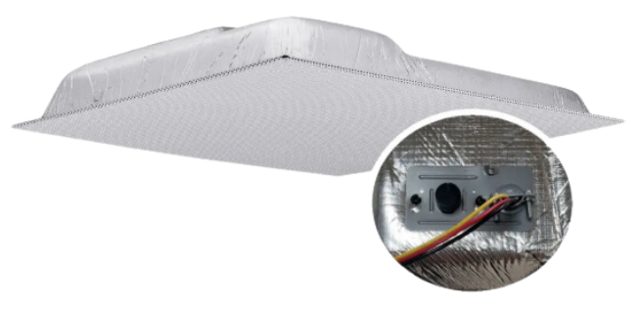
70V 2x2 ceiling tile speaker

Upgrade at your pace

  • Compatible with most existing systems
  • Replace a building at a time
  • Ready for new integrations as they arrive
  • One platform as you grow
Visual Events and signage

Every screen becomes part of the alert.

Visual alerting reaches people who cannot hear a page, including hearing-impaired staff and students, and keeps everyone informed the rest of the day.
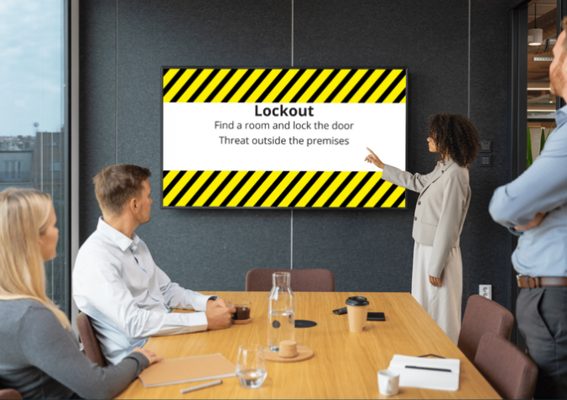
Visual Event showing a lockdown alert on a conference room display

Visual Events

  • Takes over screens with text, images, or video
  • Returns to the previous screen automatically
  • Works on DIA, PC, Mac, Chromebook, and interactive flat panels
  • Triggered from the web UI, console phone, buttons, or app
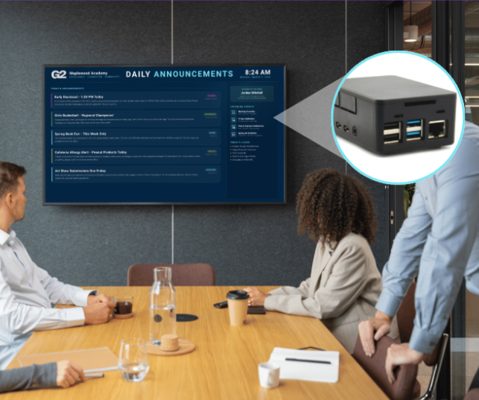
G2InfoVision device driving a daily announcements display

G2InfoVision

  • Connects to any HDMI display and Ethernet
  • No proprietary screens required
  • Messaging by building, zone, or single display
  • Bell schedules, countdown timers, date, and weather
G2 DIA all-in-one display endpoint

Clocks and displays

  • DIA all-in-one display, speakers, microphone, and flashers
  • CampusCast displays in two sizes
  • LCD clock speakers with scrolling alerts
  • Double-sided LCD clock speaker for hallways
G2Verify

Know that every person is accounted for.

When an alert goes out, accountability is the next priority. G2Verify brings roll call, reunification, and visitor management together with the G2 Mobile Panic Button, so leadership has a clear, real-time picture from the first second through safe reunification.
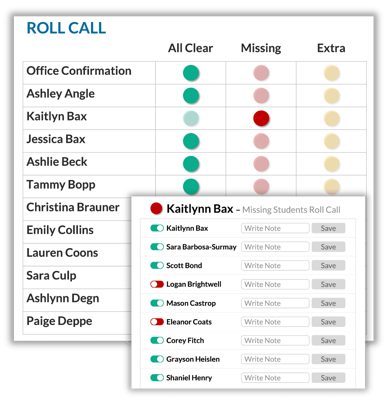
G2Verify roll call screen showing staff safety status

Roll call

Staff confirm who is safe from any phone, tablet, or computer. Leadership sees who is accounted for, who is unconfirmed, and where attention is needed, in real time.
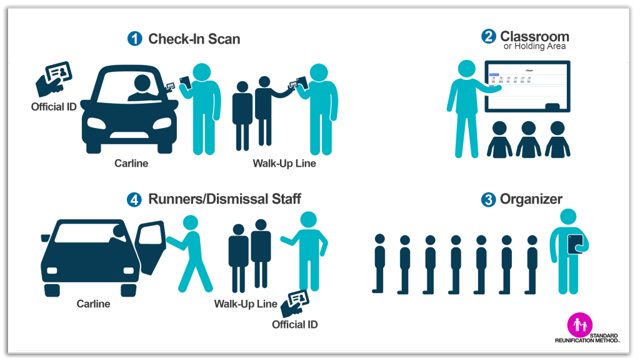
Standard reunification method diagram

Reunification

Reunite students with approved guardians in a controlled way: verify guardians, track releases, keep time-stamped records, and prevent unauthorized pickups.
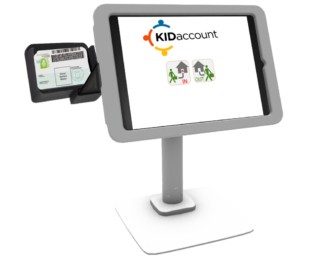
Visitor management check-in kiosk

Visitor management

Log, screen, and badge every visitor at the door, with instant national sex offense screening, badge printing, sign in and out, and multi-campus tracking.
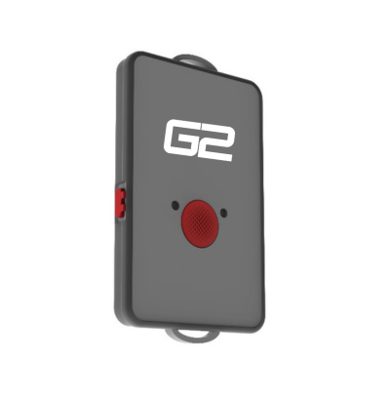
G2 Mobile Panic Button

Built into the alert

When an alert fires, the intercom broadcasts it campus-wide and the Activator app prompts staff to confirm they are safe or request help.

Telecommunications

Business phones that work with the system.

G2 integrates with most existing VoIP systems. When it is time to replace the phones too, the G2 telecom offering, powered by Wildix, brings desk phones, Wi-Fi phones, and headsets into the same solution.
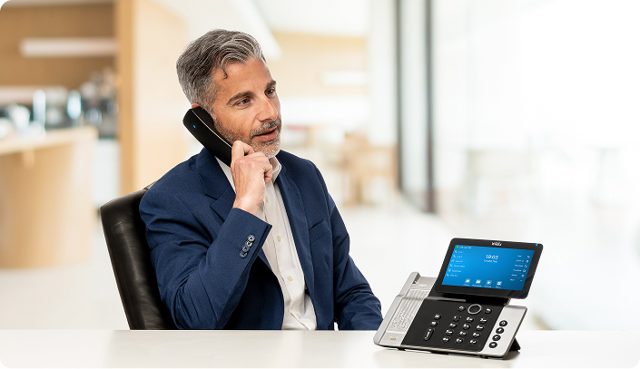
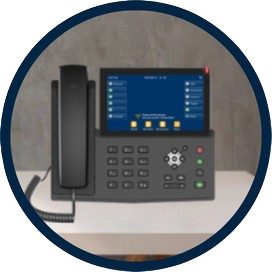
Wildix desk phone in use

Desk phones

  • SuperVision 5 with 7" touchscreen and Bluetooth handset
  • ForcePro 5 with 4.3" color display
  • WorkForce 5, PoE powered
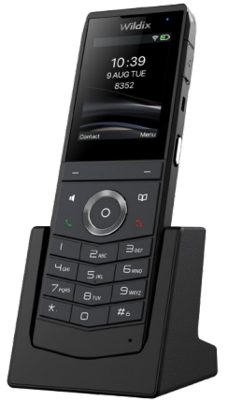
Wildix Wi-One Wi-Fi phone

Mobile and wireless

  • Wi-One Wi-Fi 6 phone, IP67 rated
  • W-AIR DECT headset with noise-cancelling mic
  • Roaming across your site
Desk phone used to trigger an alert

Tied to safety

  • Dial a SIP extension to trigger an alert silently
  • Page zones from the phone system
  • Console phone at the front desk
Product lineup

The full G2 catalog, from one supplier.

Deploy a complete build or add to the infrastructure you already have. XGen Mobile quotes, supplies, and supports every piece.
SCNB G2 Mobile Panic Button

Panic buttons

  • SCNB G2 Mobile Panic Button (wearable)
  • SCNB-S wall-mounted panic button
  • Banker and mushroom buttons
G2 Communicator dashboard on a monitor

Headends and software

  • CCSR G2 Communicator on-premises server
  • G2 Communicator cloud or VM
  • G2 Activator app, Visual Events, G2Verify
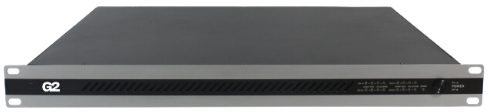
CC4X240A 4-channel amplifier

Amplifiers and paging gateways

  • CC4X240A 4-channel 240W amplifier
  • CC2X60A 2-channel 60W amplifier (SIP, Dante)
  • CCHL2 (HUB2) paging zone gateway for 70V speakers
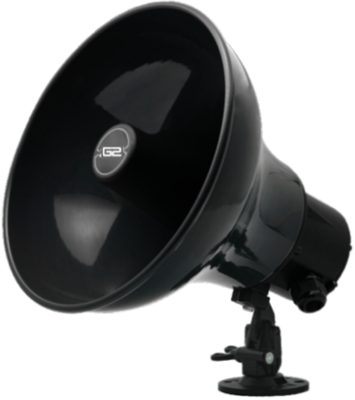
CCIPPH30 IP paging horn

IP endpoints

  • CDD1 DIA all-in-one endpoint
  • IP speakers with microphone, with or without LCD clock
  • IP cut-in, cabinet, and column speakers
  • IP paging horn, weather rated
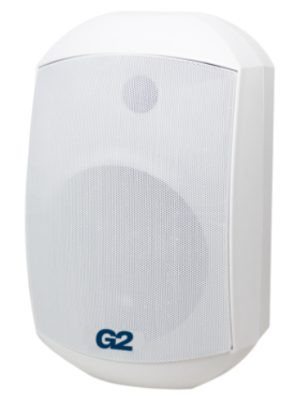
CL65WM wall-mounted speaker

Analog speakers

  • 70V ceiling tile and cut-in speakers
  • Vandal-resistant wall speakers
  • Outdoor paging horns
  • 8 ohm options for existing systems
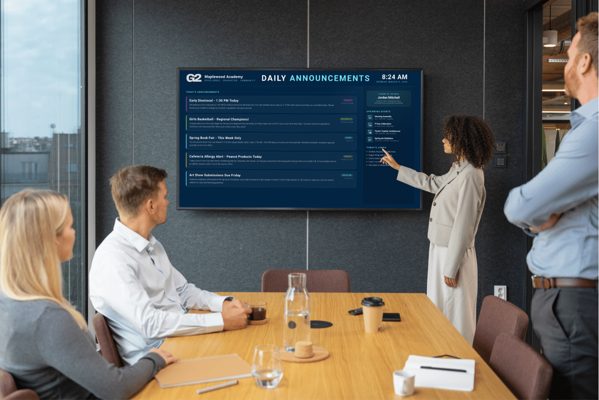
G2InfoVision daily announcements display

Clocks and signage

  • CDD2L and CDD2S CampusCast displays
  • G2InfoVision for any HDMI display
  • LCD clock speakers, single and double sided
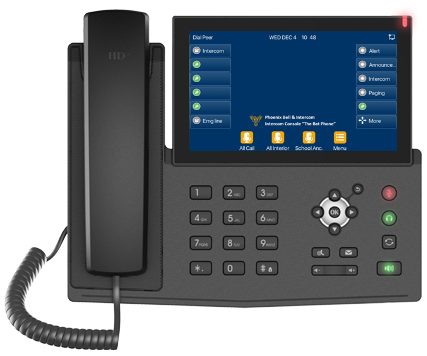
CCVICP video intercom console phone

Admin consoles

  • CCVICP video intercom console phone
  • 7" touchscreen
  • All paging zones and intercom devices in one list
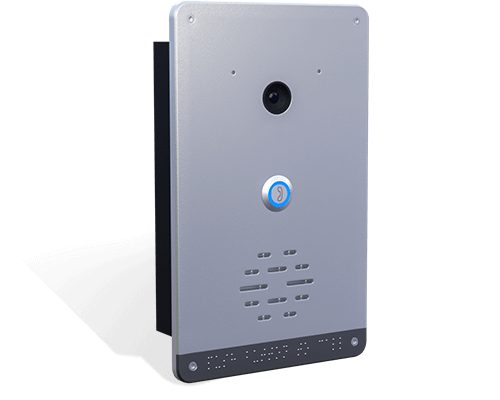
CCVDCA video doorbell

Call switches and doorbells

  • CCCSW and CCWS1 classroom call switches
  • Video doorbell with door lock control
  • Audio doorbell
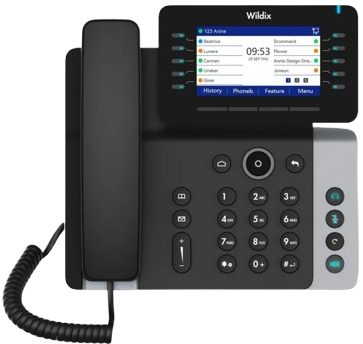
Wildix ForcePro 5 desk phone

Telecom devices

  • Wildix desk phones
  • Wi-Fi phones and DECT headsets
  • Integrates with most existing VoIP
Where it fits

One platform, tuned to your environment.

The same fast, silent response and everyday communications, shaped to the people and places you protect.

K-12 schools ›

Alyssa's Law aligned silent panic and lockdown, bells, paging, and intercom, with reunification and roll call for the whole district.

Higher education ›

Coverage across buildings, dorms, and grounds, with two-way endpoints in lecture halls and alerts that span the campus.

Healthcare ›

Discreet duress at nurse stations, emergency departments, and reception, plus paging, intercom, and visual displays.

Retail ›

A silent call for help at service counters and back-of-house, with store-wide paging and zoned receiving areas.

Hospitality ›

Wearable panic devices for hotel staff who work alone, with room-level location and compliance-ready records.

Manufacturing

Horn speakers across the floor and loading docks, two-way endpoints in packing areas, and mobile panic buttons for staff.

Food service

Kitchen-to-staff communication with a two-way endpoint to reach the chef, and dining areas zoned so pages do not interrupt guests.

Houses of worship

Communication from vestibule to sanctuary, a zoned sanctuary, a two-way endpoint in the nursery, and mobile panic buttons for staff.

Corporate

A console phone at reception to call any room, zoned conference rooms, video doorbells at entrances, and mobile panic buttons.

See how fast a silent alert can move.

We'll walk you through the panic buttons, 911 connection, bells, paging, intercom, and signage, mapped to your campus or facility, and quote the G2 equipment you need.