A body worn camera program for staff and security who need to document interactions as they happen, retail, healthcare, transportation, and campus teams. Four camera tiers, mounts built for how your team actually wears gear, and fleet charging and management so nothing falls through the cracks. Order it the same way you order the rest of your XGen safety stack: one partner, one invoice.

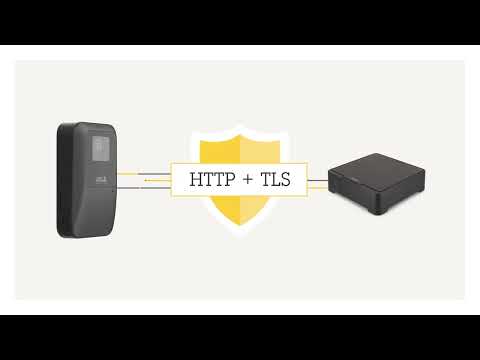 Watch: How AXIS secures your body worn footage
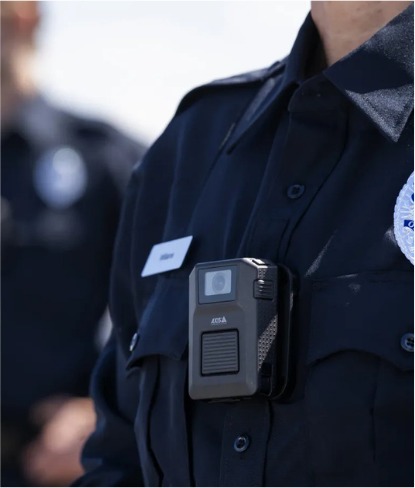
Video and audio capture of the moment, not a recollection written up after the fact.
A visible worn camera changes how people behave, before an incident ever starts.
Dock-and-go charging and data offload, so footage is safely stored the moment a shift ends.
Cameras, mounts, and management software on the same invoice as the rest of your XGen program.
All four run on the same AXIS Body Worn platform, so your accessories, docking, and management software carry across tiers as your fleet grows. Click a camera below to learn more.
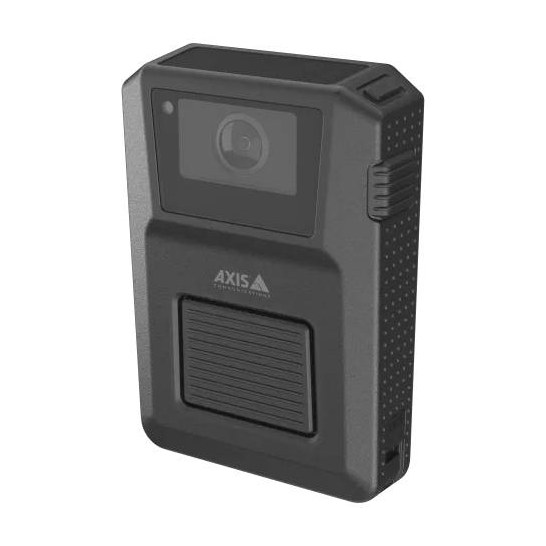
The top tier. Built-in LTE means it streams live on its own, no paired phone required.
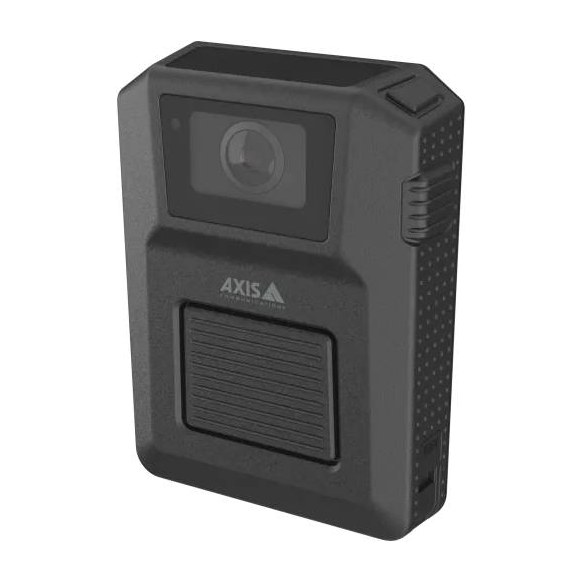
Same camera hardware as the W120, without the cellular modem, live streaming rides on a paired phone or Wi-Fi.
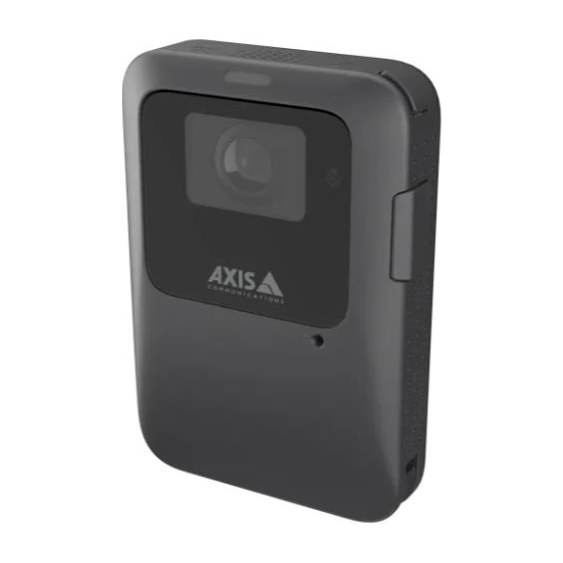
Lightweight deterrence camera built for retail, healthcare, and transportation teams on the move all day.
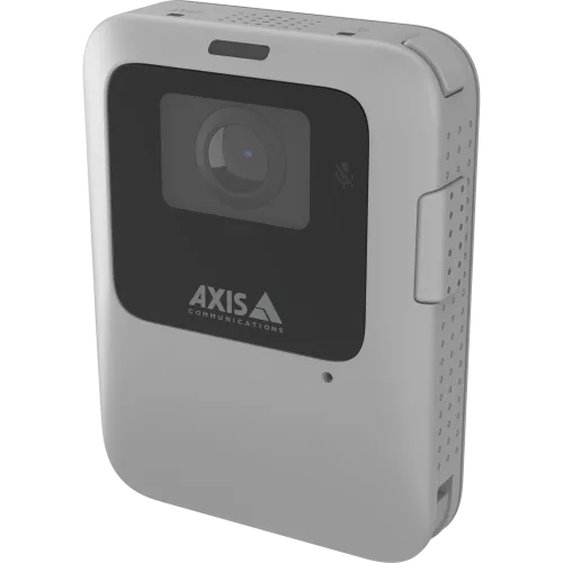
The lightest camera in the lineup, for shorter shifts where a discreet, easy-to-wear camera matters most.
A body worn camera program is more than the camera. Here's what completes it.
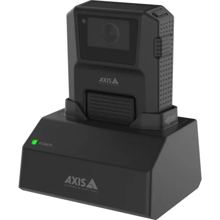
Charges and offloads one W120 or W102
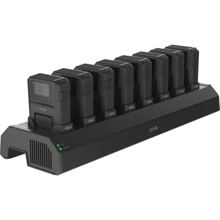
Fleet charging for up to 8 W120 or W102 cameras
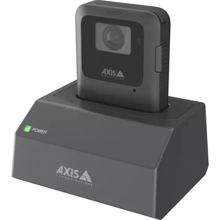
Single-camera charging and offload for the W110 or W111
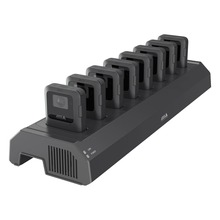
Fleet charging for up to 8 W110 or W111 cameras
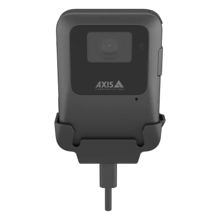
Dock-free USB-C charging for the W110 or W111
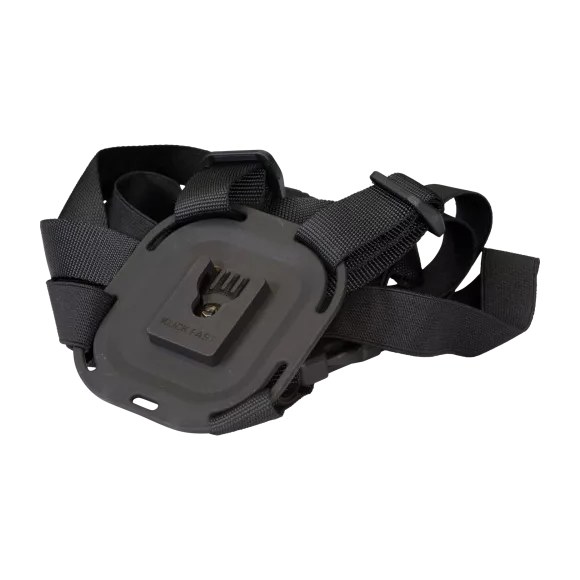
Holds the camera centered, independent of clothing
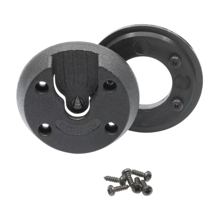
Secure mounting to any uniform garment
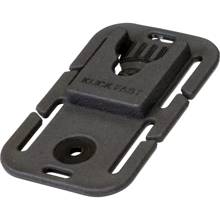
Sturdy connection to MOLLE webbing on tactical gear
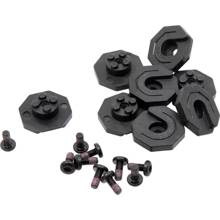
Spare mounting stud for the KlickFast system
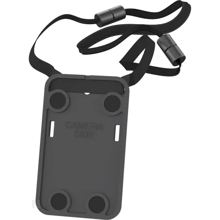
Light, flexible magnetic wear for the W111
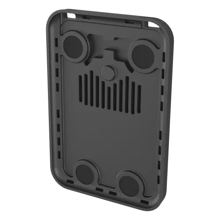
Magnetic mount for the W111, lanyard-compatible
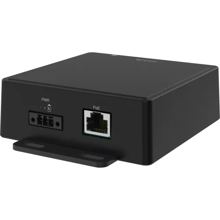
Auto-starts recording on a lightbar, siren, or panic trigger
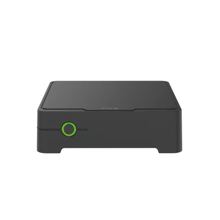
Scales the docking system for 40+ camera fleets
Every deployment needs at least one W800 System Controller, a docking station, and a content destination for the footage. Fleet management runs on AXIS Body Worn Manager (included with the W800); AXIS Body Worn Live and AXIS Body Worn Manager Pro are optional licenses. See the software and licensing guide.
The AXIS platform behind every XGen body worn camera is built as four pieces that work together, not a standalone gadget. Buy the tier you need today, the rest of the ecosystem carries across your fleet as it grows.
W120, W102, W111, or W110, clipped in at the start of a shift. Records video and audio, encrypted from the moment it's captured.
Camera goes back in the dock at shift end. Charging and footage offload happen automatically, no cables, no manual upload.
The AXIS W800 manages authentication, storage, and offload for the fleet, and scales docking up as headcount grows.
AXIS Body Worn Manager runs the fleet from the W800. Footage must land in a content destination: AXIS Camera Station Pro, Milestone XProtect, Genetec, or a partner evidence system. Body Worn Live adds live streaming.
Staff scan an RFID tag on an optional card reader connected to the system controller to check out any available camera under their own profile, no preassigned unit required. Shifts can share one camera pool, and each user's footage still tracks back to them.
Data at rest is AES256-encrypted, data in transit runs over TLS, and live streams add end-to-end XChaCha20-Poly1305 encryption. FTP and SSH are blocked on the camera, and signed video means footage can't be altered without it showing.
For fleets that already run in-car cameras, the AXIS W401 Activation Kit auto-triggers recording on every body worn camera in the system off vehicle events like a light bar or siren activation, and footage offloads at the dock alongside the rest of your fleet video. Ask us about pairing it with your existing fleet video.
Per AXIS, the body worn system only works when it is connected to a content destination. Here is the software side of the quote, required and optional.
Included with the W800. The web app that configures cameras, users, profiles, and the link to your content destination.
Required, choose one: AXIS Camera Station Pro, Genetec Security Center, Milestone XProtect, or a partner evidence system. We quote one if you have none.
Optional live streaming and location. Annual subscription per streaming camera, AXIS-hosted or self-hosted, 30-day trial.
Optional for multi-site fleets. One license per W800, central profiles and users, runs on a Windows server in your Active Directory domain.
We handle the setup steps that usually slow a body worn camera rollout down.
Tell us your camera tier, fleet size, and mounting needs. We quote cameras, mounts, docking, and licensing together.
Cameras are enrolled in your management console and docking stations are staged before they reach your site.
Cameras clip in at the start of a shift, dock and charge at the end, footage offloads automatically.
Tell us what you're protecting and how many people need a camera, we'll come back with a straight quote.